End-to-end workflow design for scientists preparing genomic sequencing data for spatial analysis. A single wrong decision can corrupt months of research.
Role
Product Designer
Timeline
6 months

Impact & Results
2x
development efficiency
10
Sprints from concept to launch
User Testimonial
"User-friendly, fast, and conveniently accessible."
Data import: The first step is most fragile
Data import is where most workflows break down. Files are missing, formats are wrong, samples don't match. Rather than letting scientists discover these issues downstream after hours of processing, the import flow was designed to surface every failure immediately, with specific explanations and clear paths forward.


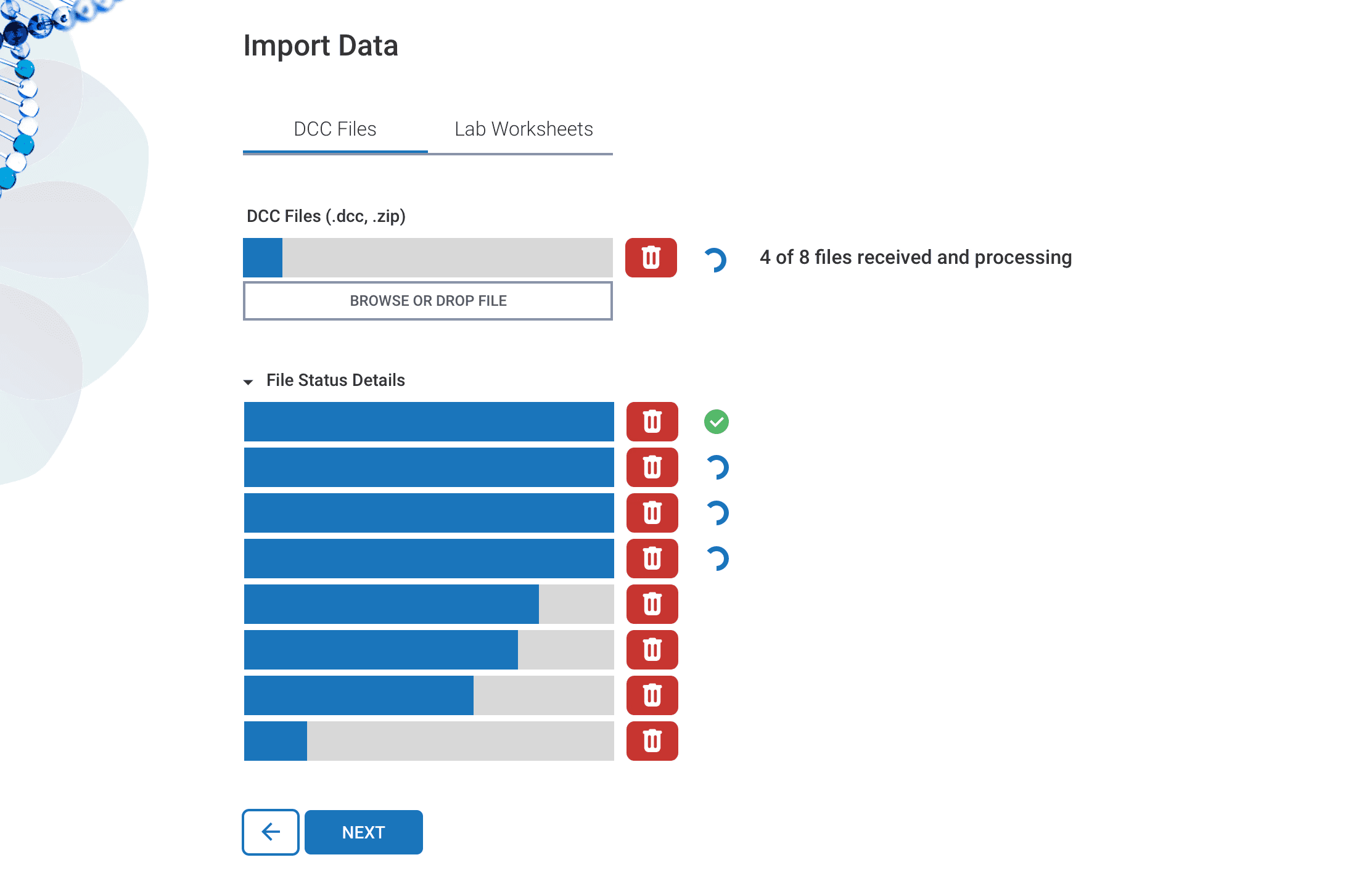


Multiple things could go wrong during data import.
This screen handles three simultaneous conditions — files still processing, a blocking error (minimum sample requirements not met), and a non-blocking warning (lab worksheets contain extraneous information that doesn't match DCC files). Each condition required a different response: one dismissible, one requiring the scientist to fix the file, one offering a binary choice (accept or remove). The design had to communicate severity, urgency, and action clearly, without collapsing everything into a single undifferentiated alert.
Quality Control: Where results make or break
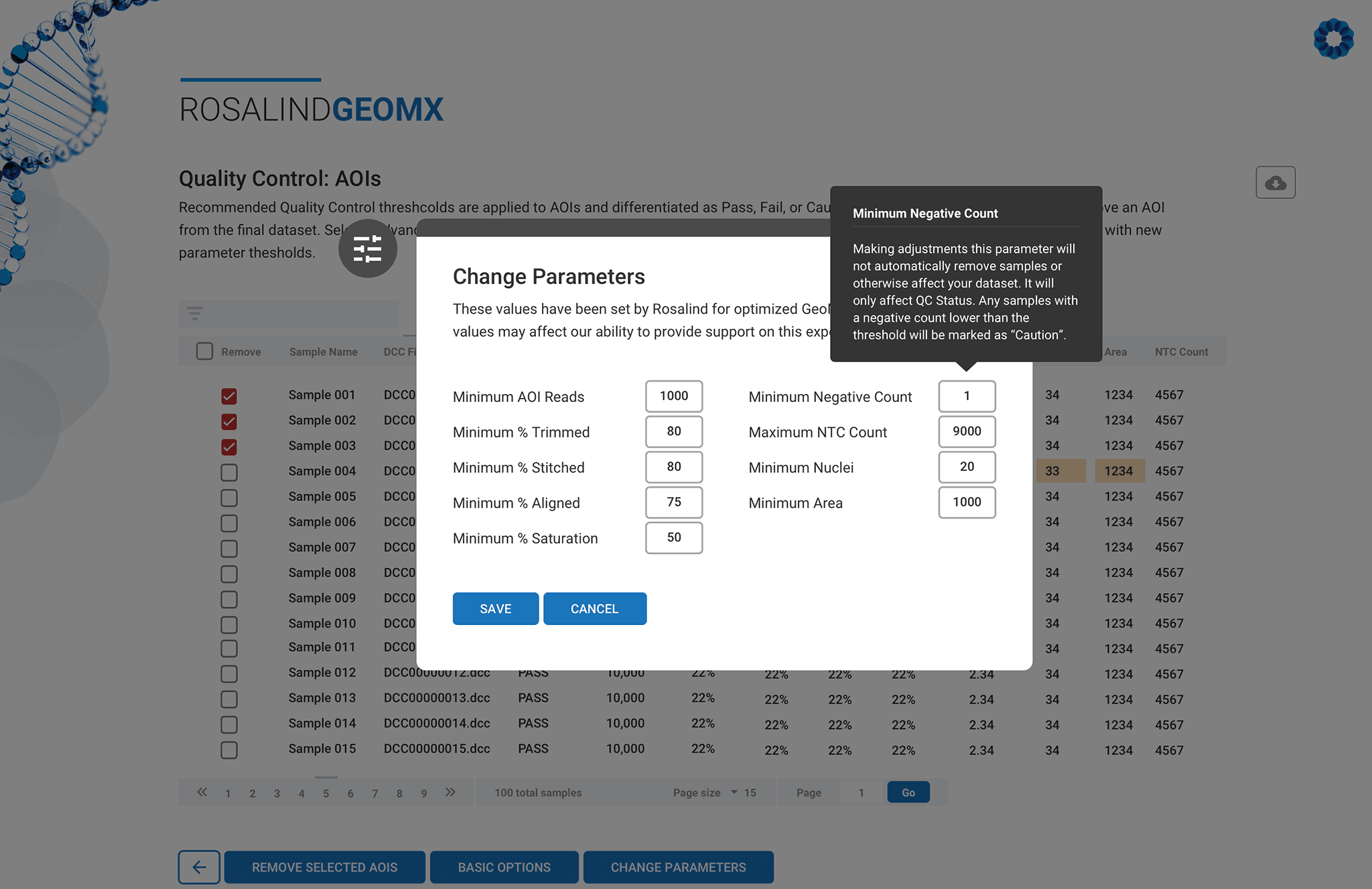
Quality Control is the highest-stakes section of the workflow. An AOI that silently passes when it should fail will corrupt everything downstream. An AOI that's removed unnecessarily means lost data that took weeks to collect. The design had to make failures visible, explainable, and reversible while keeping scientists in control of every decision.




Normalization: A guided workflow environment
Normalization method selection is the most consequential decision in the workflow, where even experienced bioinformatic scientists disagree. Getting it wrong doesn't produce an obvious error; it produces results that look valid but aren't. The design challenge was building an interface that could make a confident recommendation when the data supported one and give the scientist enough context to override the system intelligently.


The iteration from v1 to v4 reflects a core design conviction: in high-stakes scientific contexts, trust is built by showing reasoning and respecting the scientist's expertise, not by simply asserting confidence.
Analysis: Catching errors before they make their way downstream
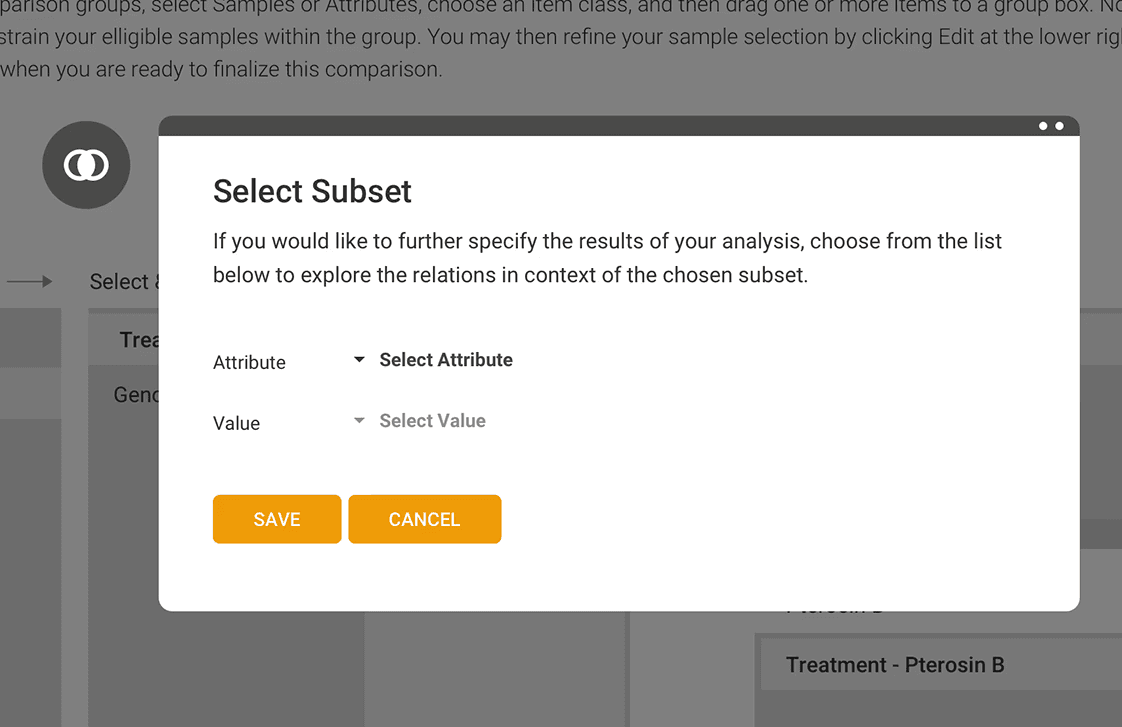
Setting up a valid differential expression comparison requires simultaneous awareness of sample attributes, tissue types, group sizes, and statistical validity. The analysis builder was designed to make this process navigable for scientists at every expertise level, providing guidance and catching configuration errors before they became scientific ones.
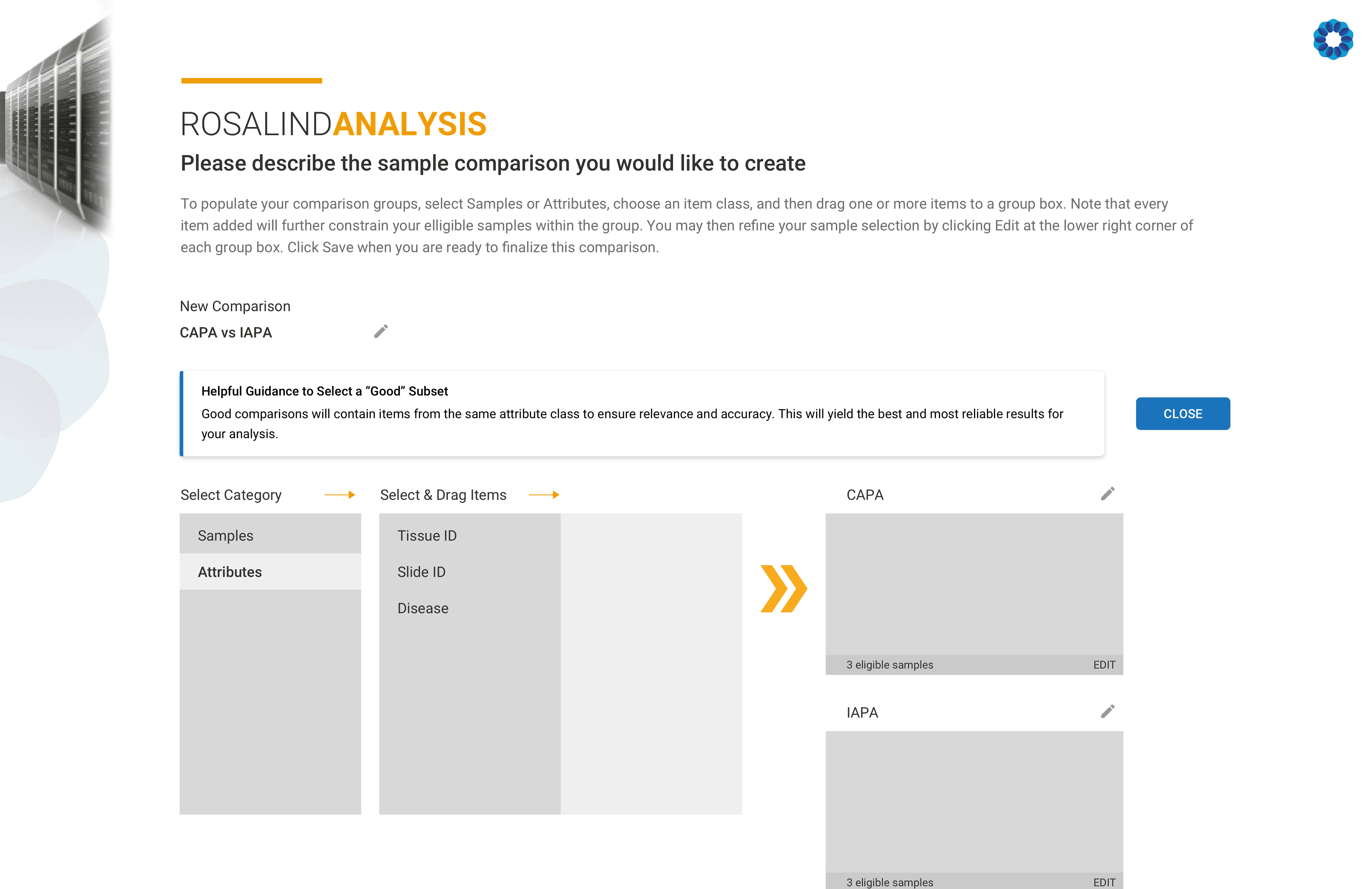


The most important guardrail in the comparison setup system is catching a configuration error before it produces misleading results.


Components built to scale
Every new component designed for this project — alert banners, status indicators, chart variants, confirmation modals — was built to be reusable across future features. This was built to give engineering to build the next iteration faster.

1 consistent pattern for 3 severity levels. The Alert Flag component was designed to communicate urgency without interrupting the workflow unnecessarily. A color bar serves as the primary semantic signal, consistent typography and real-space padding that keep messages legible at a glance.
Error (red) — blocking. The scientist must resolve this before proceeding.
Alert (amber) — non-blocking but consequential. The scientist can continue, but should be aware.
Guidance (blue) — informational.
Built once, used everywhere.
Key Takeaways
Designing for a high-stakes scientific workflow meant designing for every way it could go wrong in addition to the happy path. The most meaningful design decisions in this project weren’t the hero screens; they were the error states, the confirmation dialogs, the validation messages, and the moments where the system caught a mistake before it became a problem that affects scientific research.
This project established a component library and interaction pattern language that the engineering team built against for subsequent features, shaping how ROSALIND approaches guided, trustworthy UX across the platform.